REAL WORKOUTS.
LEVEL UP.
Log your training. Build your fighter.
Take on the streets.
For iPhone. Free workout logging. Free solo play.
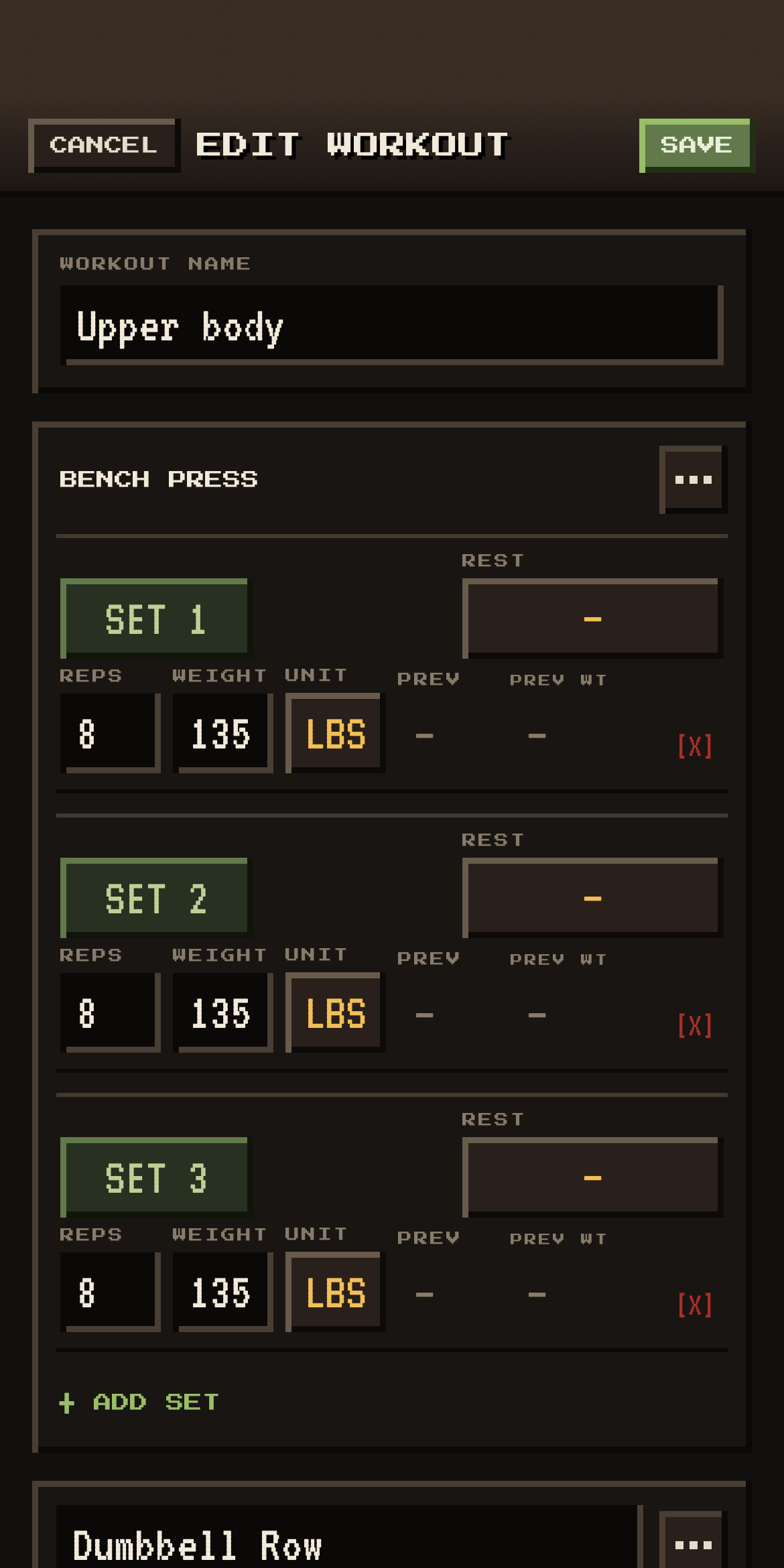
YOUR TRAINING HAS A SECOND LIFE.
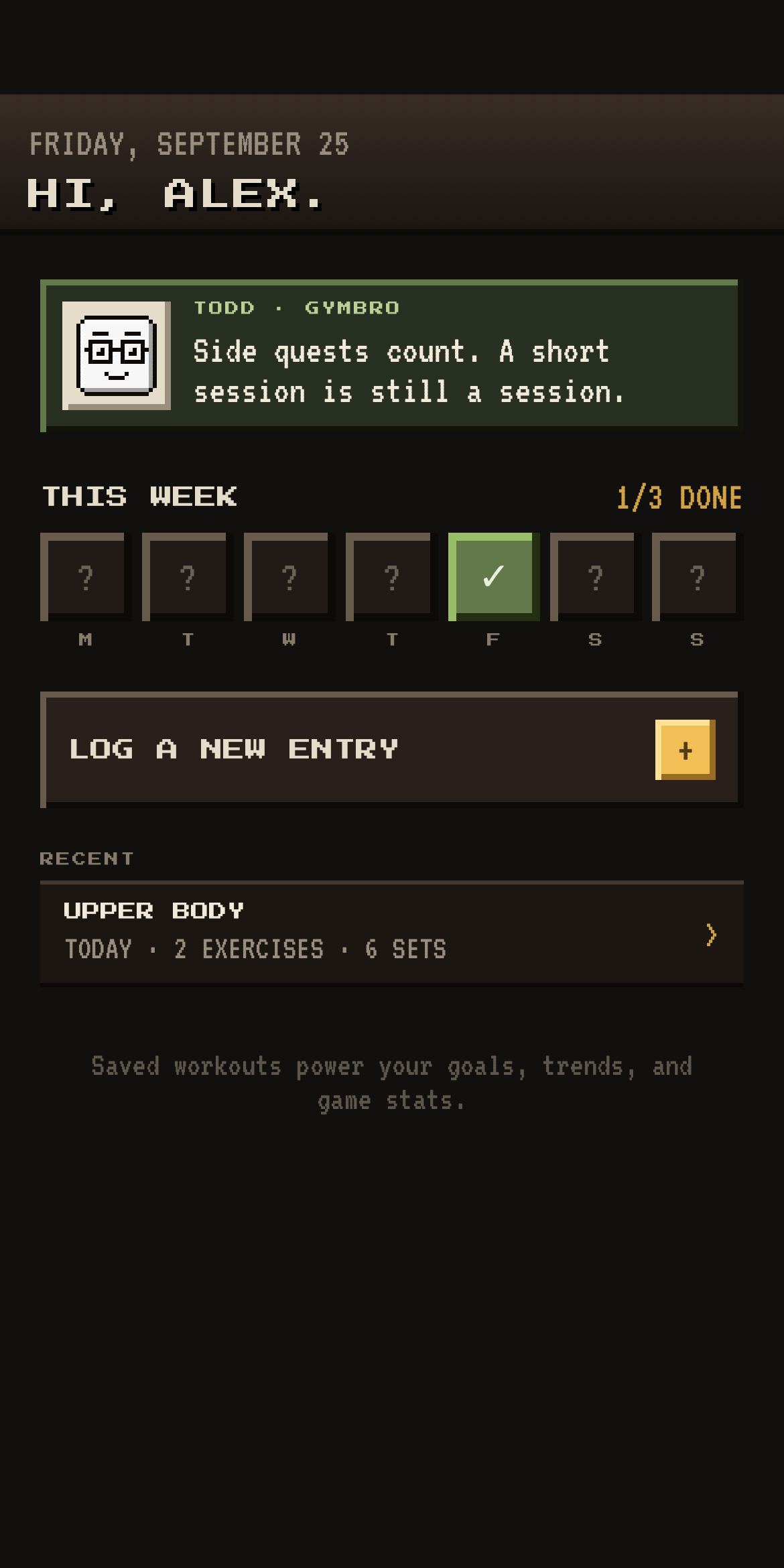
LOG IT.
MAKE IT COUNT.
Build your session
Choose exercises. Add sets, reps, weight, rest, time, or distance.
Make the next one easier
Save a template. Switch between lbs, kg, and bodyweight.
See your progress
Revisit your Calendar, follow Trends, and work toward your goals.
Train your way.
Lift, run, ride, stretch, and more.
TAKE YOUR TRAINING
TO THE STREETS.
Spend your workout points. Build your fighter. Clear the next level.
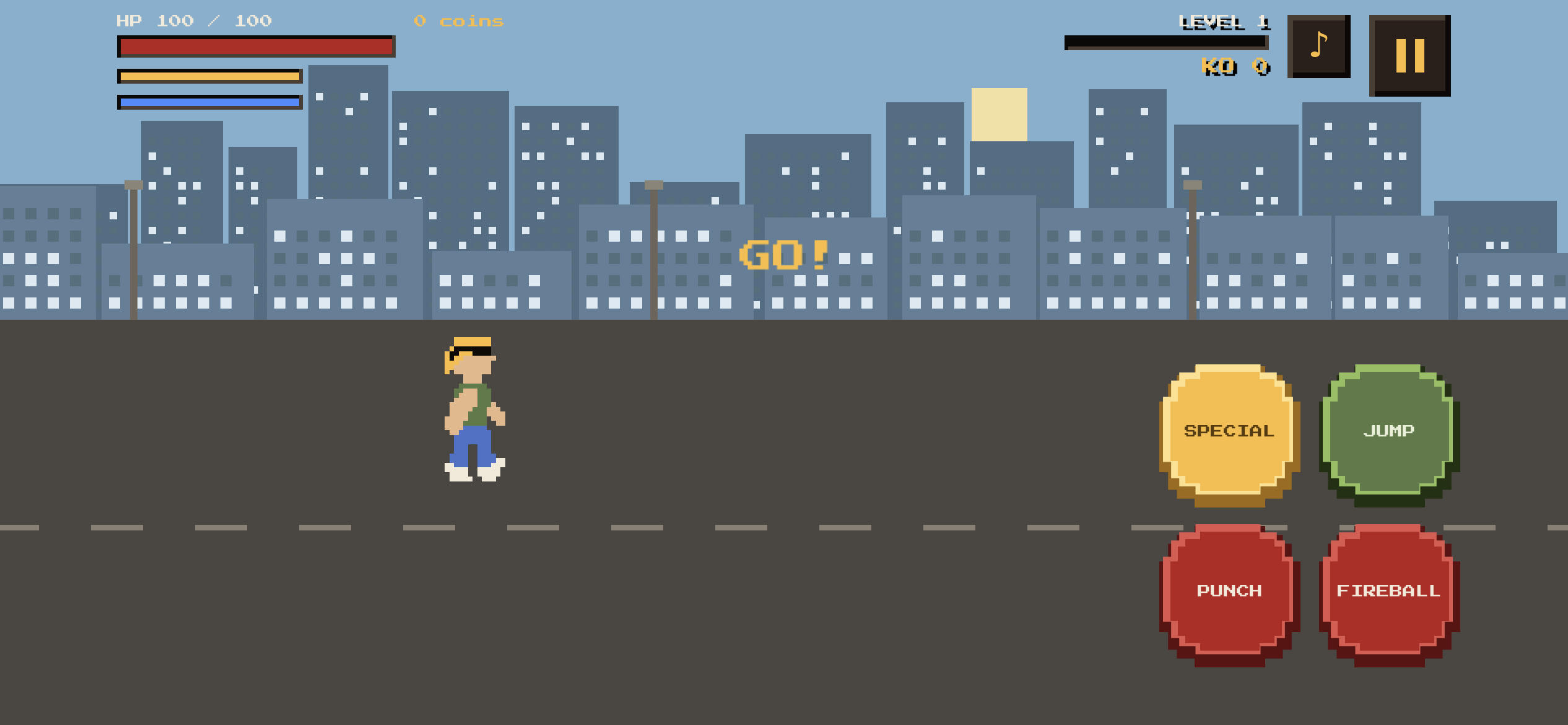
Earn your upgrades
One point per workout, up to three per day. Every workout still advances your level.
Build your fighter
Health. Damage. Magic. Speed / Recovery. Special. Choose where your points go.
Keep your progress
Play opens your level map. Beat a level and your progress saves automatically.
BEFORE YOU PRESS PLAY.
Can I log workouts and play for free?
Yes. Recording your workouts and playing the game are entirely free.
How do workouts make my fighter stronger?
Each saved workout earns one upgrade point, up to three points per day. Spend them in Stats on Health, Damage, Magic, Speed / Recovery, or Special. Every workout counts toward your overall level, even after the daily point allowance. Leveling up also adds one automatic upgrade to all five categories. The point allowance does not limit how many workouts you can log.
Does my game save automatically?
Yes. Your completed levels save automatically on your device. When you close the app and return to Play, those levels stay cleared. There is one default save, with no save-slot selection.